30-Sep-2026
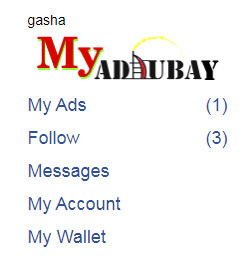
 My Ads(4)
Follow(1915)
Messages
My Account
My Wallet
My Ads(4)
Follow(1915)
Messages
My Account
My Wallet
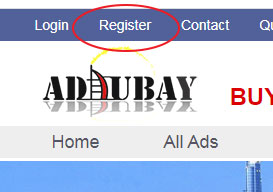 and the registration form page will be open, which you need to fill it with your personal details.
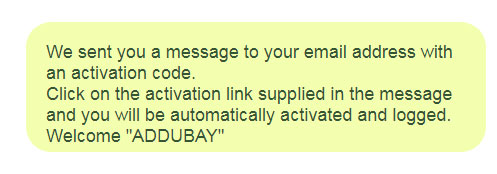
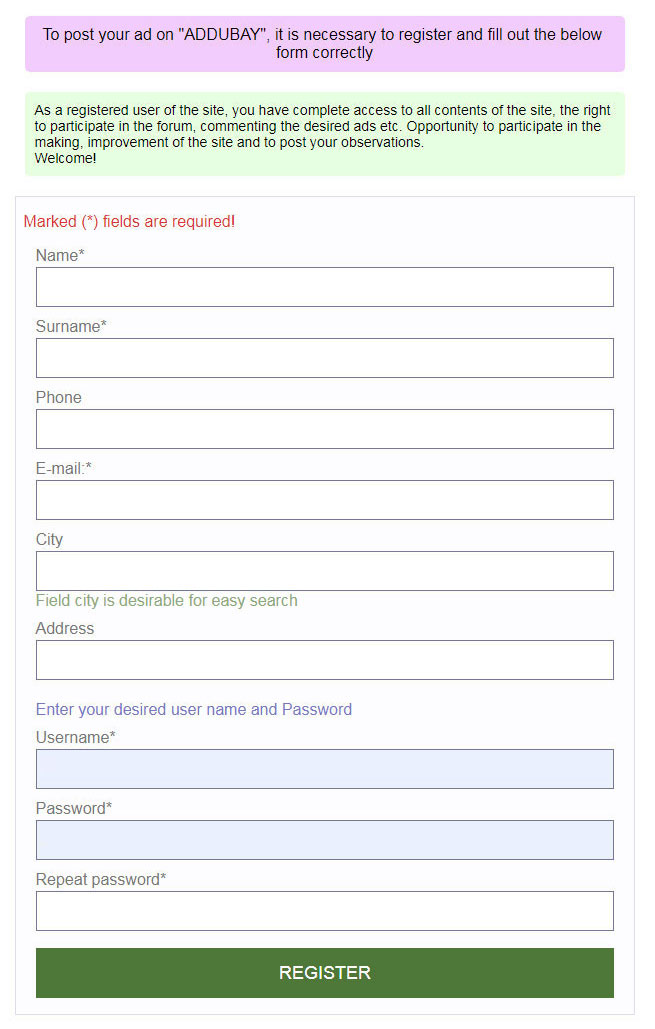 After filling it, click on submit button, if you filled in the form correctly, a greeting message will appear confirming that you have done everything right
 Open your email and make sure you get the message from "AdDubay"
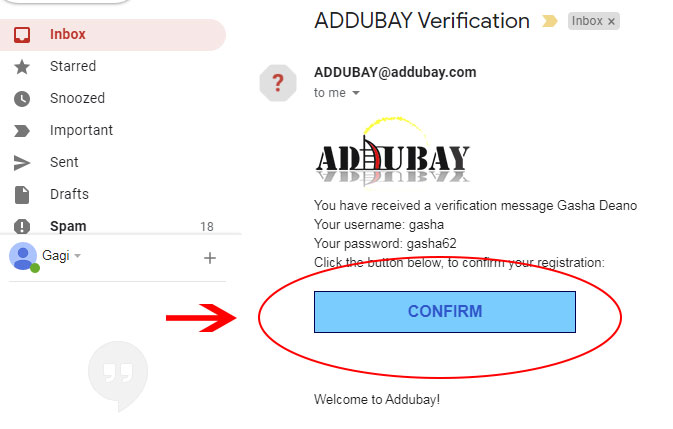
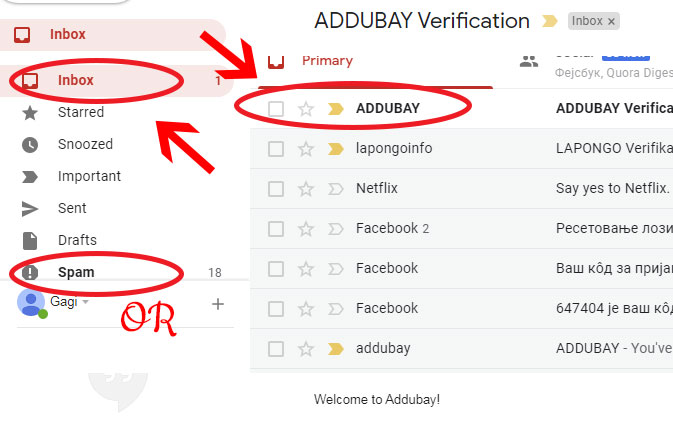 Open the incoming email, it contains a message with your details and a "CONFIRMATION REGISTRATION" button, click the button
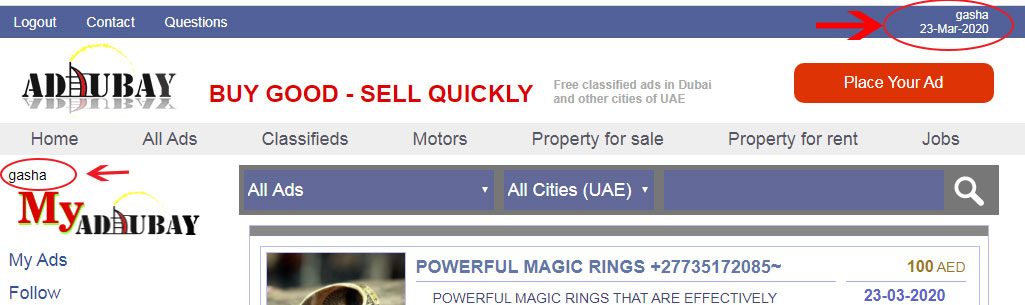
 and the "AdDubay" site will be open, then you have confirmed the registration and you are automatically logged in and you can see in the upper right corner your username, which is also on the left side of the "MY AdDubay" panel.
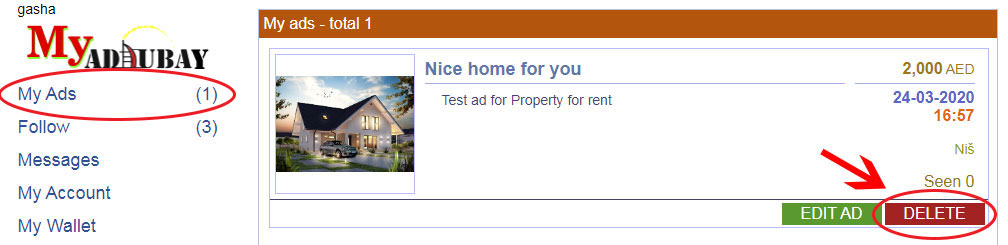
 You can now place, edit, delete your ad or track ads from other advertisers, send messages to other users, etc.
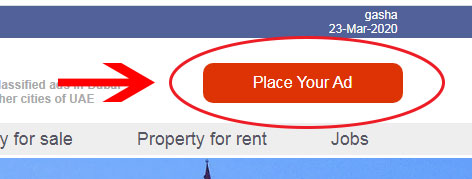 Then you will be presented with an ad placement form.
1. In the form, first select a category from the drop-down list (to which your product or service belongs). This is a required field
2. Then select a subgroup (to make the product or service more easily searchable). This is a required field
Then you will be presented with an ad placement form.
1. In the form, first select a category from the drop-down list (to which your product or service belongs). This is a required field
2. Then select a subgroup (to make the product or service more easily searchable). This is a required field
 3. Enter the title of your ad next to "Title", a well-written headline results in a better search. This is a required field
4. In the "Description" field, describe your product or service so that you can better represent them. This is a required field
5. In the "Price" field, enter the price of your product or service, only by numbers, you can leave this field blank in the ad view as well, instead of the "Call" message.
6. Currency is AED.
7. Upload images of your ad, click on "Place the Image +" button,
3. Enter the title of your ad next to "Title", a well-written headline results in a better search. This is a required field
4. In the "Description" field, describe your product or service so that you can better represent them. This is a required field
5. In the "Price" field, enter the price of your product or service, only by numbers, you can leave this field blank in the ad view as well, instead of the "Call" message.
6. Currency is AED.
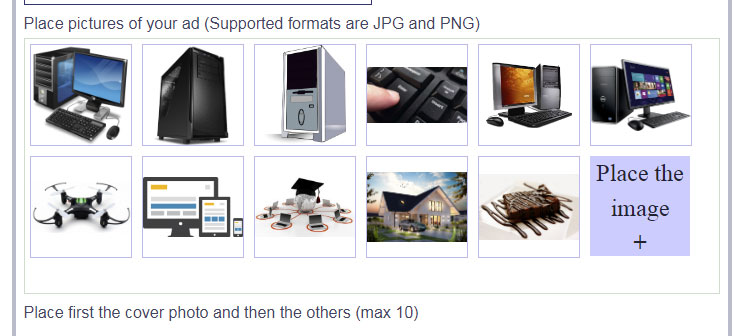
7. Upload images of your ad, click on "Place the Image +" button,
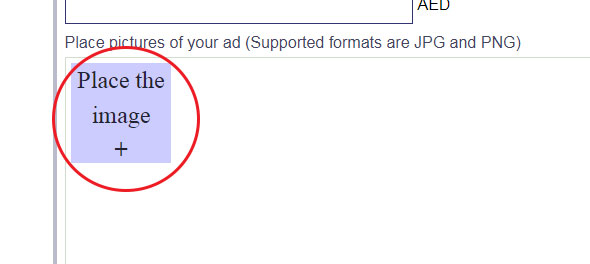 a window will open for you to select images from your computer.
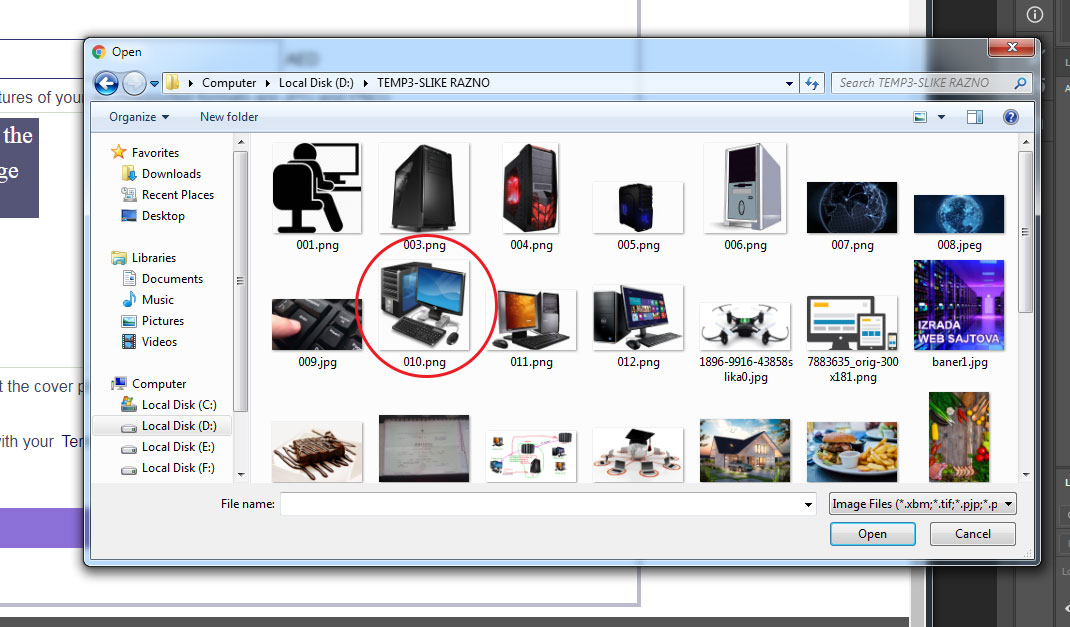 First, select one image, which will be visible when selecting the ad, as the cover,
then click the "Upload Image +" button again and select the others, you can do more than one at a time, up to 10 photos in total with the cover image.
First, select one image, which will be visible when selecting the ad, as the cover,
then click the "Upload Image +" button again and select the others, you can do more than one at a time, up to 10 photos in total with the cover image.
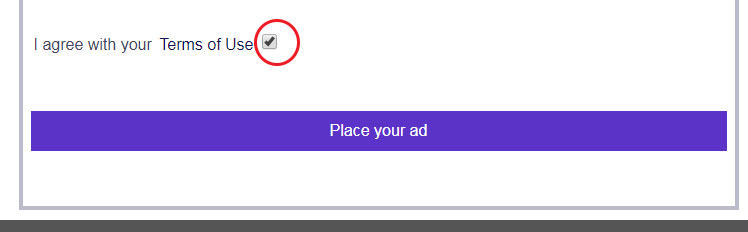
 8. The final step is to wait, click on the box next to "I agree to the Terms of Use", confirming that you accept the terms of use of the "AdDubay" site and clicking the "Place your Ad" button,
 You will appear a page where confirm that you want to post your ad and click the "PLACE AD" button to confirm
 Then you placed your ad and the front page of the site will open where you can see your ad in the.
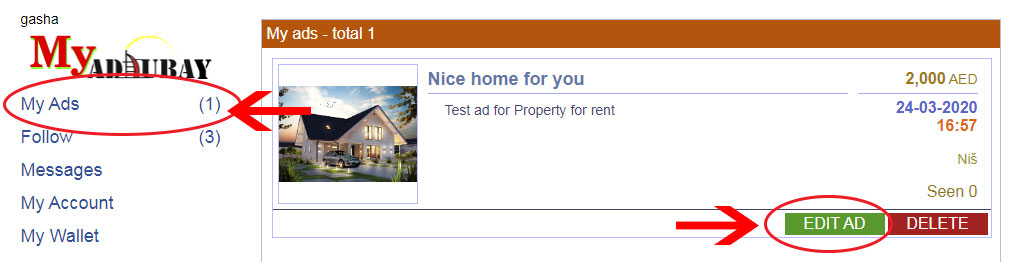 The pictures you want can be deleted or new ones added. When you move the arrow over the image, a red box with the letter X will appear in the upper right corner, clicking on the X will delete the image and clicking on the "Upload Image +" button will add new images. The cover image comes first and by deleting that image and selecting a new one you can change the cover image.
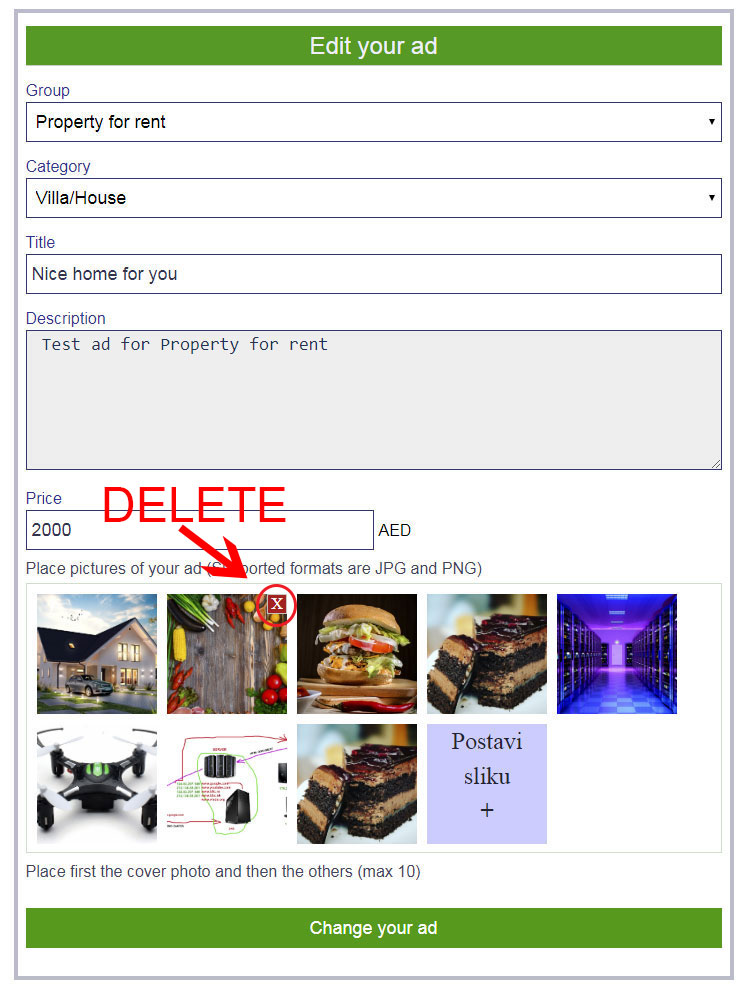 When you have completed all the changes, click the "Change your ad" button and your ad will be modified.
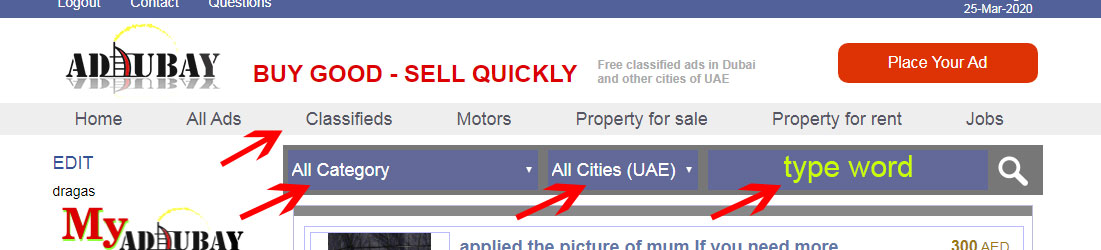
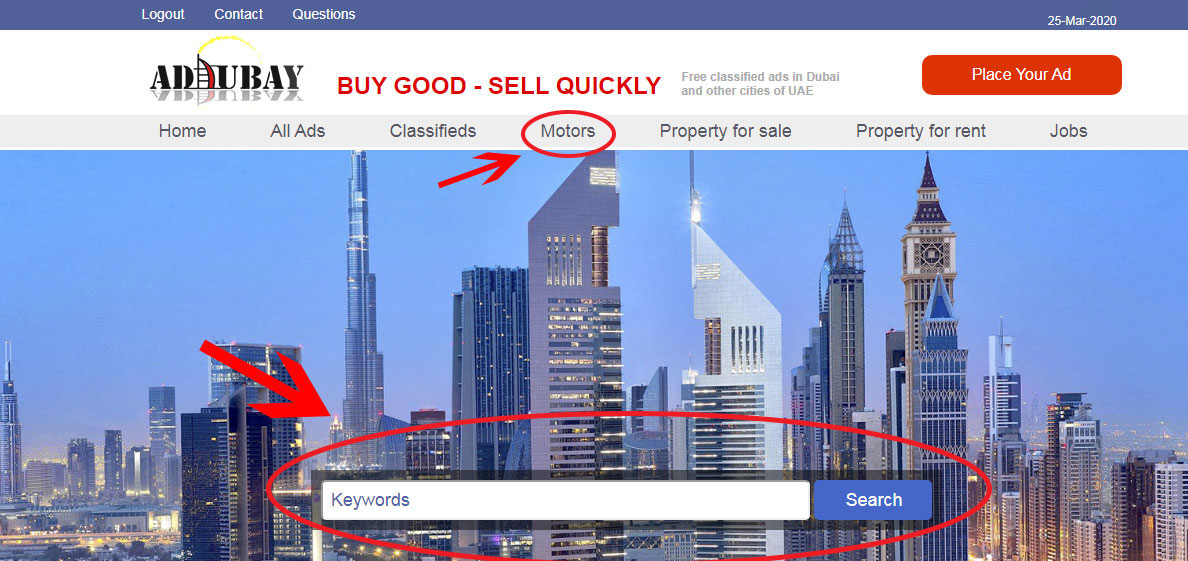 You can also search by name, product or service you are looking for. Enter your search term in the "keywords" box and click on the magnifying glass on the right.








 Home
Home